If you are building a custom Shopify app, you need an Admin API access token. This token lets your app talk to a Shopify store and manage its data. Many developers have trouble finding this token after they install their app. This guide shows you exactly where to find it.
What is a Shopify Admin API Access Token
An Admin API access token is a secret key. It works like a password. Your custom app uses this token to make secure requests to the Shopify Admin API. Without the correct token, your app cannot read or update store information, like products or orders.
Where to Find Your Admin API Access Token
You can get the token right after you create and install your custom app. Follow these steps:
- Log in to your Shopify store admin.
- Go to Settings.
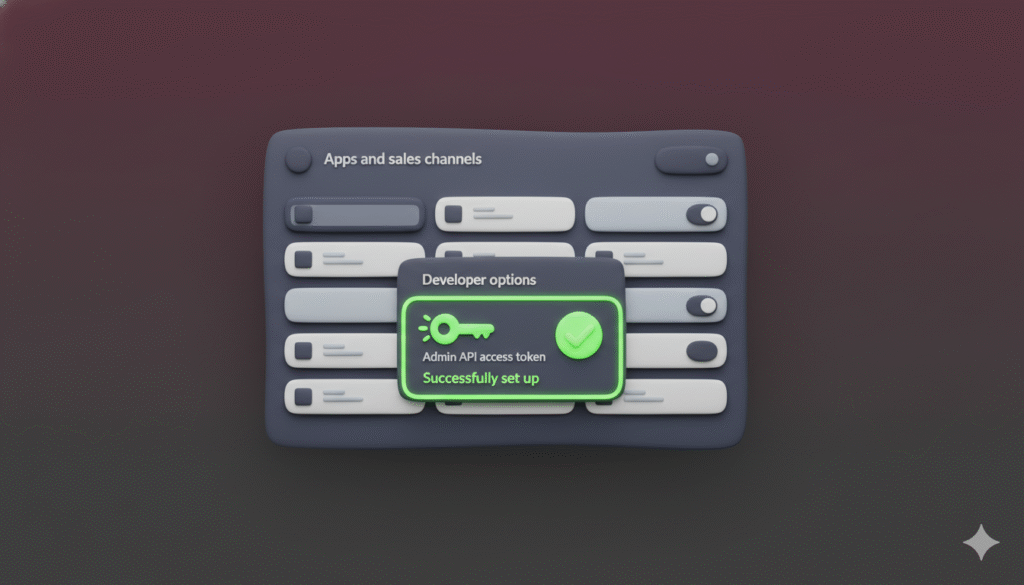
- Click Apps and sales channels.
- Find the section for your app and click Develop apps. This opens your development dashboard.
- In the list of your apps, click on the custom app you just created.
- Inside your app’s overview, look for a section named API credentials.
- Here, you will see your Admin API access token.
- Sometimes, the token is hidden for security. You might need to click a button like View token or Reveal token to see it.
Why Can’t I See the Admin API Access Token
If you do not see the token, here are some common reasons:
- You are in the wrong place. Make sure you are in the Apps and sales channels section of the store where the app was installed, not in your Shopify Partner dashboard.
- The app is not fully installed. Go through the installation process again using the install link.
- You lack permissions. Verify that your user account has the necessary permissions to view app credentials.
What to Do With Your Admin API Access Token
Once you have the token, you use it in the HTTP headers of your API requests.
Here is an example of how to use it:
curl -X GET "https://{shop}.myshopify.com/admin/api/2024-01/products.json" \
-H "X-Shopify-Access-Token: {your_admin_api_access_token}"
Replace {shop} with your store’s name and {your_admin_api_access_token} with the token you found.
How to Keep Your API Access Token Secure
Your access token is very important. Keep it safe.
- Never share it publicly.
- Do not commit it to public code repositories.
- Store it in a secure environment variable.
- If you think your token is compromised, you can regenerate a new one from the same API credentials page in your app settings.
Conclusion
Finding your Shopify Admin API access token is simple once you know where to look. Just go to your store admin, navigate to your app’s settings, and check the API credentials section. Now you can use this token to build powerful custom apps for Shopify.